

Compact Desktop Thermal Transfer Printer (ZD411)
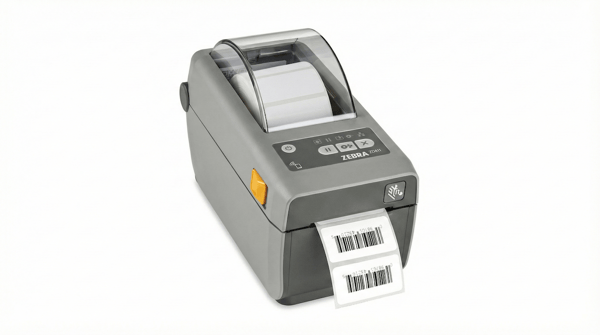
Compact and cost-effective for low-volume product labels.
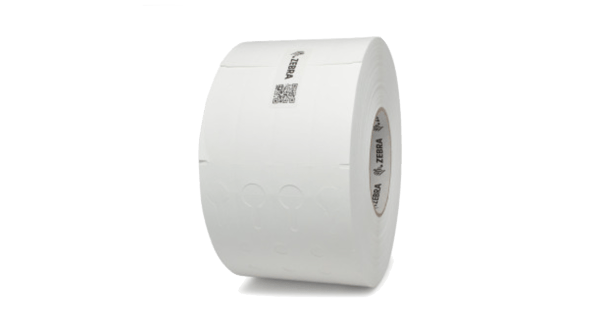
Zebra Z-Perform 2000D Direct Thermal Labels
Standard tier, direct thermal labeling.
Standard Desktop Printer (ZD421)

The ZD421 is the standard recommended desktop printer, but larger than the ZD411. It is available in both direct thermal and thermal transfer models.
Price Range
Zebra Z-Perform 2000D Direct Thermal Labels
Standard tier, direct thermal labeling.
Zebra Z-Perform 2000T Thermal Transfer Paper Labels
Standard tier, thermal transfer labeling.
Zebra PolyPro 3000T – Synthetic Thermal Transfer Labels
Premium-tier, thermal transfer labeling.
Industrial Printer (ZT411)
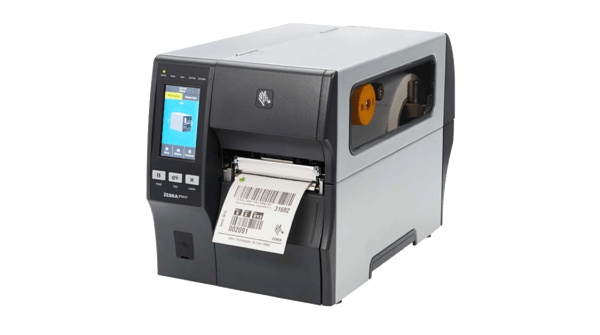
This printer is ideal for higher volume printing.
The ZT411 is available in both direct thermal and thermal transfer models, as well as a selection of DPIs.
-
Recommended for facilities that want to print on plastic plant collar tags
- Recommended glossy, premium retail labels with long shelf life and heat/scratch resistance
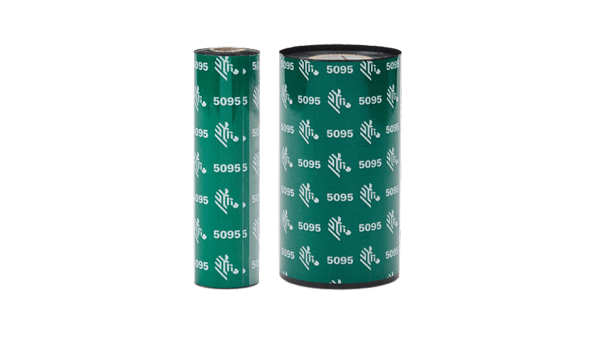
Zebra 5095 Thermal Transfer Resin Ribbon
- Plant tags that will be outdoors or under grow lights
- Sharp barcodes and small text on synthetic product labels for jars, tubes, and oil bottles
Zebra 69531 – 8000T Tuff 7 mil V‑Max Polyolefin Tags
- Perfect for plants exposed to outdoor elements or chemicals
- Won’t tear or smudge
Financing
Need Equipment Financing?
If you have 3 months of operating history, click here to explore options with our partner FundCanna.
.png?width=250&height=55&name=Fundcanna%20logo%20BIG%20(1).png)